
Windows God Mode is No Longer Just for Shortcuts It’s the New Front Line for Malware
We’ve all seen te tech tips: create a folder, paste a string of code, and boom you have “God Mode,” a one-stop shop for every Windows setting imaginable.

The “God Mode” Gimmick: How Hackers are Using an Old Windows Trick to Hide in Plain Sight
 We’ve all seen te tech tips: create a folder, paste a string of code, and boom you have “God Mode,” a one-stop shop for every Windows setting imaginable. It’s a handy shortcut for power users, but what was once a harmless productivity easter egg has officially been weaponized.
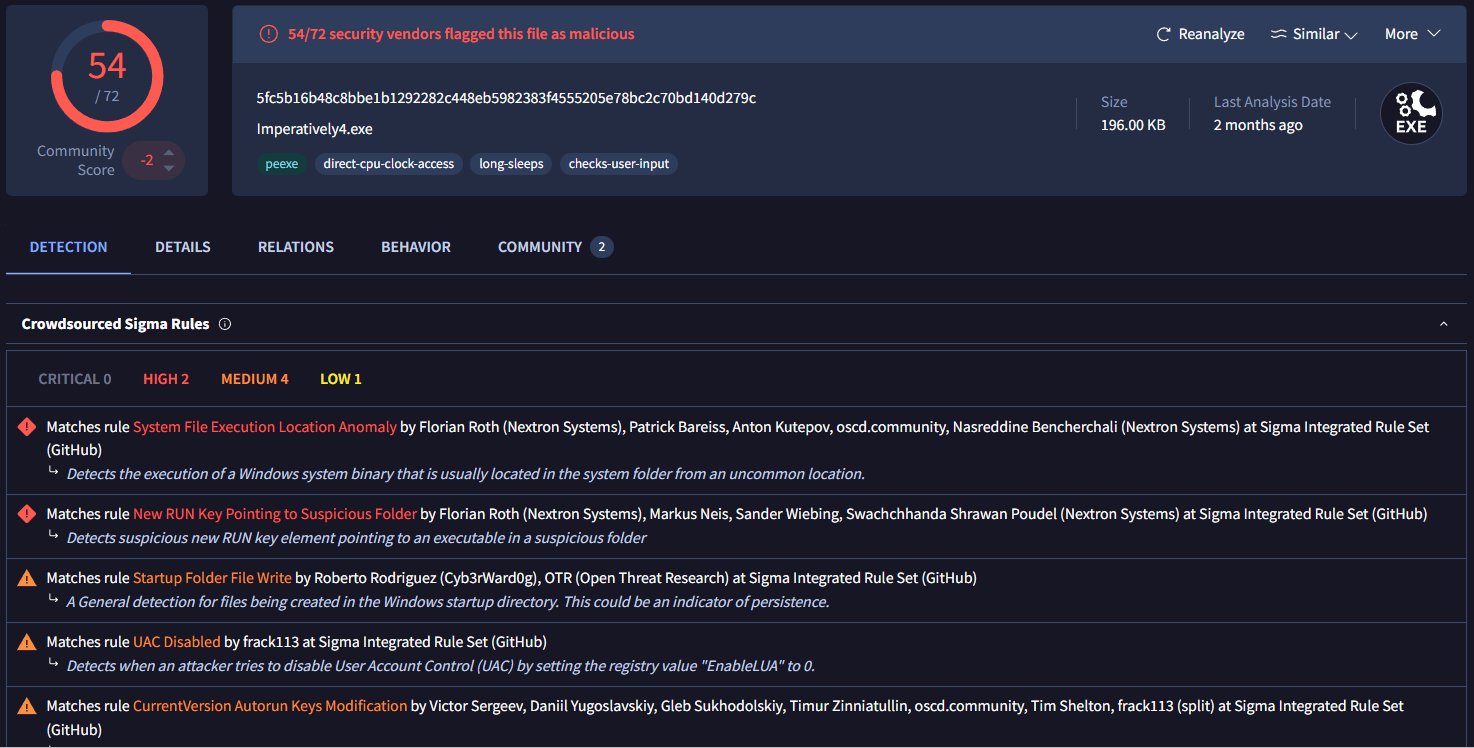
Cybersecurity researchers have flagged a new trend where malware specifically variants like Dynamer is hijacking this exact mechanism to stay invisible on your system.
The Trick: Why You Can’t Find It
Usually, if you suspect a virus, you look for a weird file or a hidden folder. But the “God Mode” exploit (technically known as the Master Control Panel shortcut) doesn’t behave like a normal directory.
By renaming a malicious folder with a specific GUID (a long string of characters like {ED7BA470-8E54...}), hackers can trick Windows into treating that folder as a system shortcut.
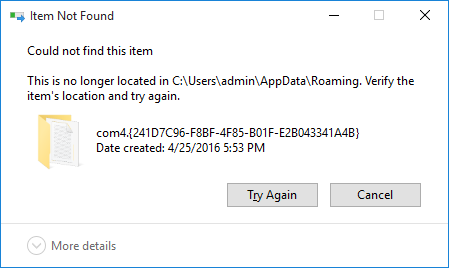
It gets worse: Some versions use the name “com4.” In the world of Windows, “com4” is a reserved device name. If you try to delete it or open it via standard File Explorer or Command Prompt, Windows gets confused and blocks the action. To the average user (and even many basic antivirus programs), the malware becomes a ghost it’s there, it’s running, but you can’t touch it.
Is Your “Shortcut” Actually a Backdoor?
This isn’t just a “cool hack” anymore. It’s a masterclass in deception. If your team is relying on default Windows security settings, these are the exact types of “living off the land” techniques that bypass traditional defenses.
While you can manually kill these processes via specific command-line strings (like rd "\.%appdata%..."), the real question is: How many other ghosts are currently living in your network?
How We Can Help
At Alpha Cyber, we don’t just wait for your antivirus to ping. We specialize in identifying these sophisticated persistence mechanisms before they result in a breach. Don’t let a clever folder name be the reason your data is compromised.
IOCS To Block
MD5: F2AB70F1696440CD00759D6DEFBAE54C
SHA1: a526d69c4b1d78e2bbad14c8cab4987f30aeb357
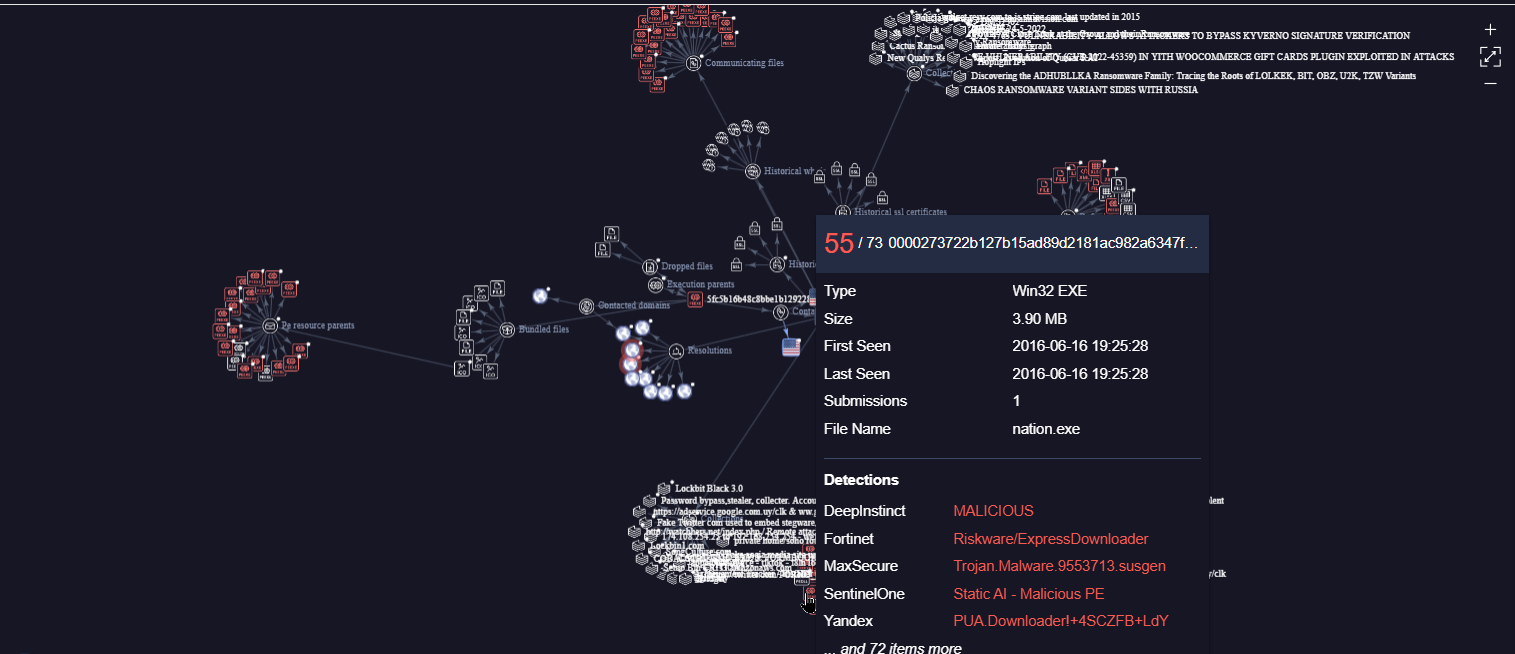
SHA256: 5fc5b16b48c8bbe1b1292282c448eb5982383f4555205e78bc2c70bd140d279c