Your iPhone is a Snitch: The $95M Siri Scandal Explained
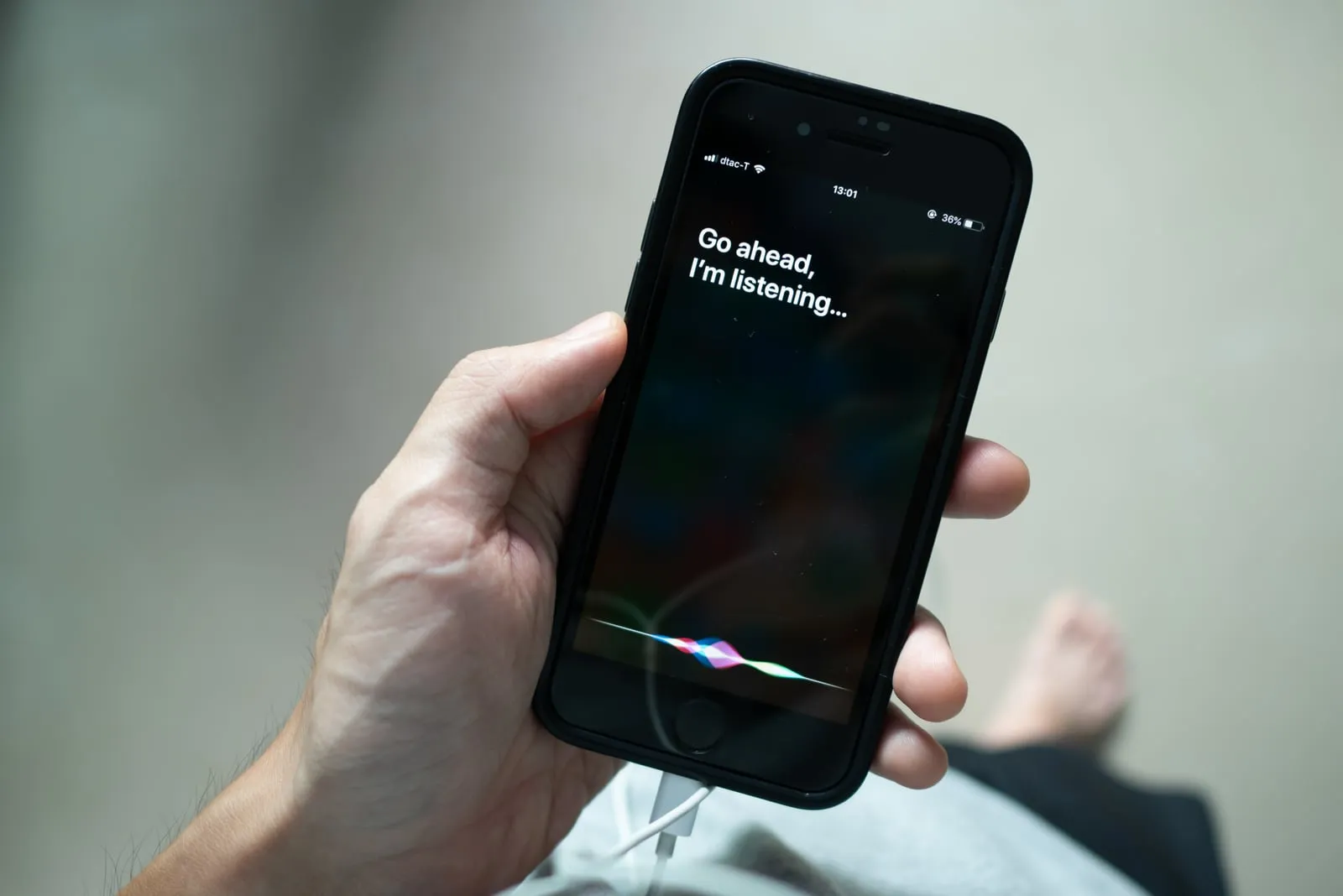
In January 2025, Apple agreed to pay $95 million to settle a class-action lawsuit alleging that Siri recorded private conversations without user consent.
Is Siri Still Eavesdropping? The $95 Million “Unintentional” Privacy Breach
In January 2025, Apple agreed to pay $95 million to settle a class-action lawsuit alleging that Siri recorded private conversations without user consent.
While the tech giant labeled these recordings “unintentional” triggers, the reality for businesses and high-profile individuals is clear: Your “always-on” convenience is a potential security back door. From medical data to high-stakes board meetings, your most sensitive information may have been transcribed and reviewed by third parties.
At Alpha Cyber, we specialize in closing the gap between convenience and compromise. Here is what you need to know about the breach and 5 ways to secure your perimeter today.
The Incident: Why the 2025 Settlement Matters
The lawsuit highlighted that Siri-enabled devices (iPhones, Apple Watches, HomePods) were frequently activated by mistake. These “accidental triggers” captured intimate data that was then:
Stored on external servers for up to two years.
Reviewed by human contractors for “quality grading.”
Linked to user metadata, including location and contact details.
Even with Apple’s recent move toward “On-Device Intelligence,” the legacy of these vulnerabilities remains a significant risk for anyone handling proprietary data.
5 Ways to Secure Your Privacy Right Now
If you use Siri-enabled devices in a professional environment, follow these steps to harden your privacy:
1. Opt-Out of Audio Grading
Apple uses a setting called “Improve Siri & Dictation” to share your voice samples with human reviewers.
Action: Go to Settings > Privacy & Security > Analytics & Improvements and toggle off Improve Siri & Dictation.
2. Purge Your Voice History
Don’t leave a paper trail of your past interactions on Apple’s servers.
Action: Go to Settings > Siri & Search > Siri & Dictation History and tap Delete Siri & Dictation History.
3. Disable “Always Listening” in High-Risk Zones
The “Hey Siri” trigger requires the microphone to be constantly active. In boardrooms or sensitive areas, manual activation is safer.
Action: Go to Settings > Siri & Search and toggle off Listen for “Hey Siri”.
4. Audit App-Level Microphone Access
Siri isn’t the only app that can “accidentally” listen. Many third-party apps request microphone permissions they don’t need.
Action: Go to Settings > Privacy & Security > Microphone and revoke access for any app that isn’t mission-critical.
5. Implement Network-Level Monitoring
For businesses, the best defense is visibility. Advanced firewall rules can block the specific domains (like guzzoni.apple.com) that voice assistants use to transmit data to the cloud.
Does Your Security Posture Have “Silent” Gaps?
The Siri settlement is a wake-up call. In a world where AI-powered assistants are integrated into every device, “default” settings are rarely secure enough for professional use.
Alpha Cyber helps organizations audit their IoT ecosystem, secure mobile fleets, and train employees on “Digital Hygiene” to prevent data leakage before it happens.
Don’t let a software “glitch” become your next data breach.
Secure Your Business Today
Are you concerned about the privacy of your corporate communications? Alpha Cyber offers a comprehensive Executive Privacy Audit to identify and neutralize eavesdropping risks across your entire device landscape.